Download Vysor - Android control on PC free on android
APK file Vysor 4.2.2How to install APK / APKS / OBB file on Android
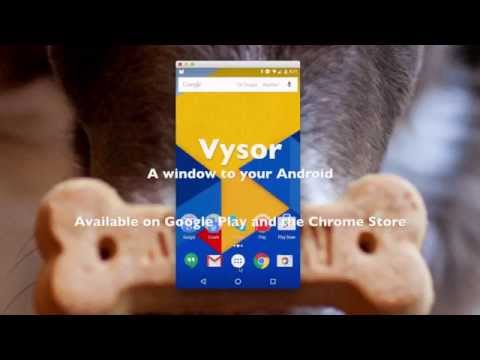
Vysor lets you view and control your Android on your computer. Use apps, play games, control your Android with your mouse and keyboard. Go wireless, and mirror your Android to your desktop; great for presentations.
Vysor Share also lets you share your screen to others for remote assistance.
Developers: Vysor lets you ditch the emulator and seamlessly work on a real Android device. No need to fiddle with it in your hands. Use Vysor Share to set up device farms and remotely debug and test your applications across a wide range of devices.
Setup:
1) Install Vysor for Android.
2) Follow the instructions for getting USB debugging enabled. Here's a Youtube video to help you out:
https://www.youtube.com/watch?v=Ucs34BkfPB0
3) Download the Vysor Chrome app. This will let you view your Android from your PC:
https://chrome.google.com/webstore/detail/vysor/gidgenkbbabolejbgbpnhbimgjbffefm
4) Windows users will need to install ADB Drivers:
http://download.clockworkmod.com/test/UniversalAdbDriverSetup.msi
5) You're good to go!
Having any issues? Head over to the support forum:
https://plus.google.com/110558071969009568835/posts/1uS4nfW7xhp
- LicenseFree
- File nameVysor
- File Version4.2.2
- Package namecom.koushikdutta.vysor
- UploadedDecember 12, 2023
- CategoryProductivity
- DeveloperClockworkMod
- Developer site
- Developer emailrommanager@clockworkmod.com
- Permissionsshow (9)
